


QuickBooks Unrecoverable Error: Causes, Fixes, and Prevention Tips

A QuickBooks Unrecoverable Error is a serious issue that causes the software to crash or shut down suddenly. It usually appears with a 10-digit error code (for example: 19740 43064) and prevents you from continuing your work.
This guide explains what the error means, why it happens, and how you can fix it step by step.
What Is an Unrecoverable Error in QuickBooks?
An unrecoverable error occurs when QuickBooks encounters a critical problem it cannot resolve on its own. You may see messages like:
“QuickBooks has encountered a problem and needs to close.”
These errors often appear when:
- Opening a company file
- Saving or printing transactions
- Running reports
- Emailing invoices or forms
Each error includes a unique numeric code, but the troubleshooting steps are usually similar.
Common Causes of QuickBooks Unrecoverable Errors
This error doesn’t have a single cause. It usually happens due to one or more of the following:
- Corrupted or damaged company file
- Issues with QuickBooks installation
- Missing or outdated Windows updates
- Network interruptions
- Damaged program components
- Power failures while working on files
- Data integrity issues
Signs You’re Facing This Error
You may be dealing with an unrecoverable error if:
- QuickBooks crashes randomly
- The software freezes during tasks
- You cannot save transactions
- Updates fail or get stuck
- The program closes when opening a file
- Certain features stop working
When Does This Error Usually Occur?
Users commonly report this issue during:
- Opening a company file
- Printing or saving as PDF
- Running payroll or updates
- Performing bank reconciliation
- Importing accountant changes
- Creating backups
Step-by-Step Solutions to Fix QuickBooks Unrecoverable Error
Follow these methods in order. Start simple, then move to advanced fixes if needed.
- Prevent QuickBooks from Opening All Windows
Sometimes startup windows trigger the error.
Steps:
- Press and hold the Alt key
- Double-click the QuickBooks icon
- Enter your password
- Release the Alt key after login
This opens QuickBooks without loading previous windows.
- Check If the Issue Is User-Specific
Try logging in with a different user account.
- If the error doesn’t appear → your user profile is damaged
- Create a new user and use that instead
- Move the Company File to Desktop
This helps identify file path or folder issues.
Steps:
- Locate your .QBW file
- Copy it to your desktop
- Open QuickBooks while holding Ctrl
- Open the file from the desktop
If it works, the original folder may be the problem.
- Use QuickBooks Tool Hub
QuickBooks Tool Hub can automatically fix common issues.
Steps:
- Install and open Tool Hub
- Go to Company File Issues
- Run QuickBooks File Doctor
This scans and repairs file-related problems.
- Open a Sample Company File
This helps determine if the issue is with your file or QuickBooks itself.
- If the sample file opens → your company file is damaged
- If not → QuickBooks installation may be the issue
- Run the Reboot.bat File
This resets QuickBooks components.
Steps:
- Navigate to QuickBooks installation folder
- Right-click Reboot.bat
- Select Run as Administrator
Restart your system afterward.
- Create a New Windows Admin User
Sometimes Windows permissions cause the error.
Create a new admin account and run QuickBooks from it.
If it works, your previous Windows profile may be corrupted.
- Suppress QuickBooks Desktop
This prevents automatic loading of problematic elements.
Steps:
- Hold Ctrl while opening QuickBooks
- Wait for No Company Open window
- Select your file
- Hold Alt while opening it
- Update or Fix Adobe Reader (For PDF Errors)
If the error occurs while printing or saving PDFs:
- Update Adobe Reader to the latest version
- Disable “Display PDF in browser” (for older versions)
Extra Fix: Issues During Bank Reconciliation or Import
If the error appears during reconciliation or importing data:
- Update QuickBooks to the latest version
- Run Verify and Rebuild Data
- Restore a recent backup if needed
- Recreate accountant changes file
How to Prevent This Error in the Future
You can reduce the chances of this error by:
- Keeping QuickBooks and Windows updated
- Regularly backing up your company file
- Avoiding sudden system shutdowns
- Using stable network connections
- Running Verify & Rebuild periodically
Final Thoughts
Unrecoverable errors in QuickBooks can be frustrating, but they are usually fixable with the right steps. Start with simple solutions like suppressing QuickBooks or opening a sample file, then move to advanced fixes if needed.
If none of the methods work, it’s likely a deeper data or installation issue that may require expert assistance.
Categorias
Leia Mais
Monopoly GO has launched an exclusive event named Vader Volley, available for a single day on May 2. This tournament offers numerous rewards, notably several flag tokens useful for the Pod Racers minigame. Below is a breakdown of all the milestones and the corresponding prizes players can earn throughout the event. In the Vader Volley tournament, players earn points by landing on railroad...

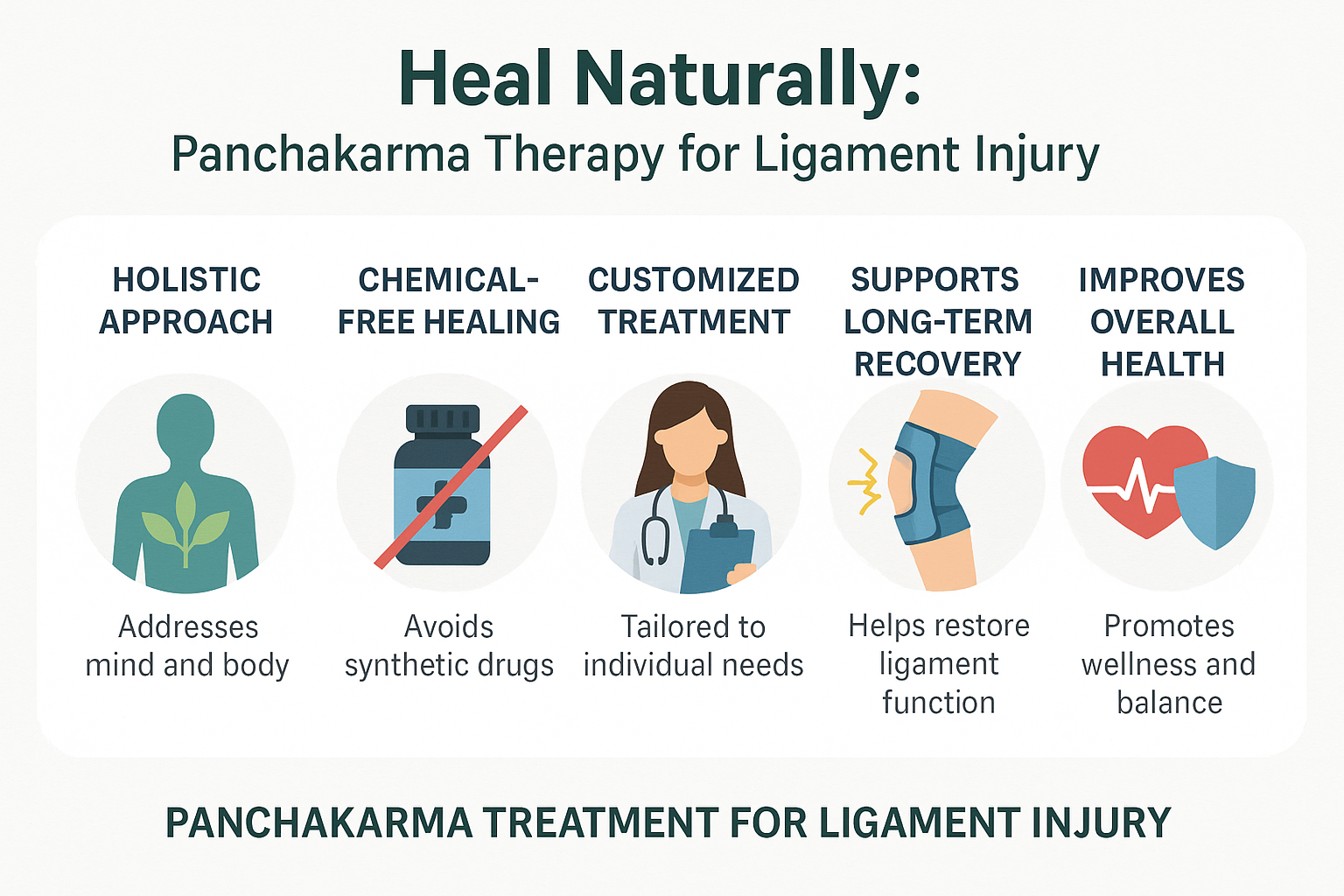
Ligament injuries are a frighteningly common occurrence in athletes, fitness enthusiasts and even people who just like to get out and move around every day. A single wrong move - whether that's a sudden twist, a nasty fall, or simply overtaxing your muscles - can leave you with a world of pain and agony. Ligament tears and sprains can leave you feeling like a new person - but not in a good way....
In today’s hyper-competitive marketplace, first impressions matter more than ever. Whether you're running an eCommerce store, a subscription service, or a boutique retail brand, your packaging is often the very first physical touchpoint customers have with your business. That moment—when a customer receives and opens your package—can shape their perception of your brand in...

Lifeguard courses provide structured, professional training designed to prepare individuals for the responsibilities of supervising aquatic environments. Whether at swimming pools, beaches, lakes, or waterparks, lifeguards must be equipped with strong rescue skills, emergency medical knowledge, and the ability to act decisively under pressure. A comprehensive lifeguard courses builds the...

Getting around town should feel easy, stress-free, and even enjoyable. That’s exactly what riders experience when they choose Sherwood Park Cabs - Flat Rate Cabs & Taxi for their daily travel needs. Whether you’re heading to work, catching a flight, or meeting friends, having a reliable cab Sherwood Park service makes all the difference. From smooth pickups to friendly drivers,...
